
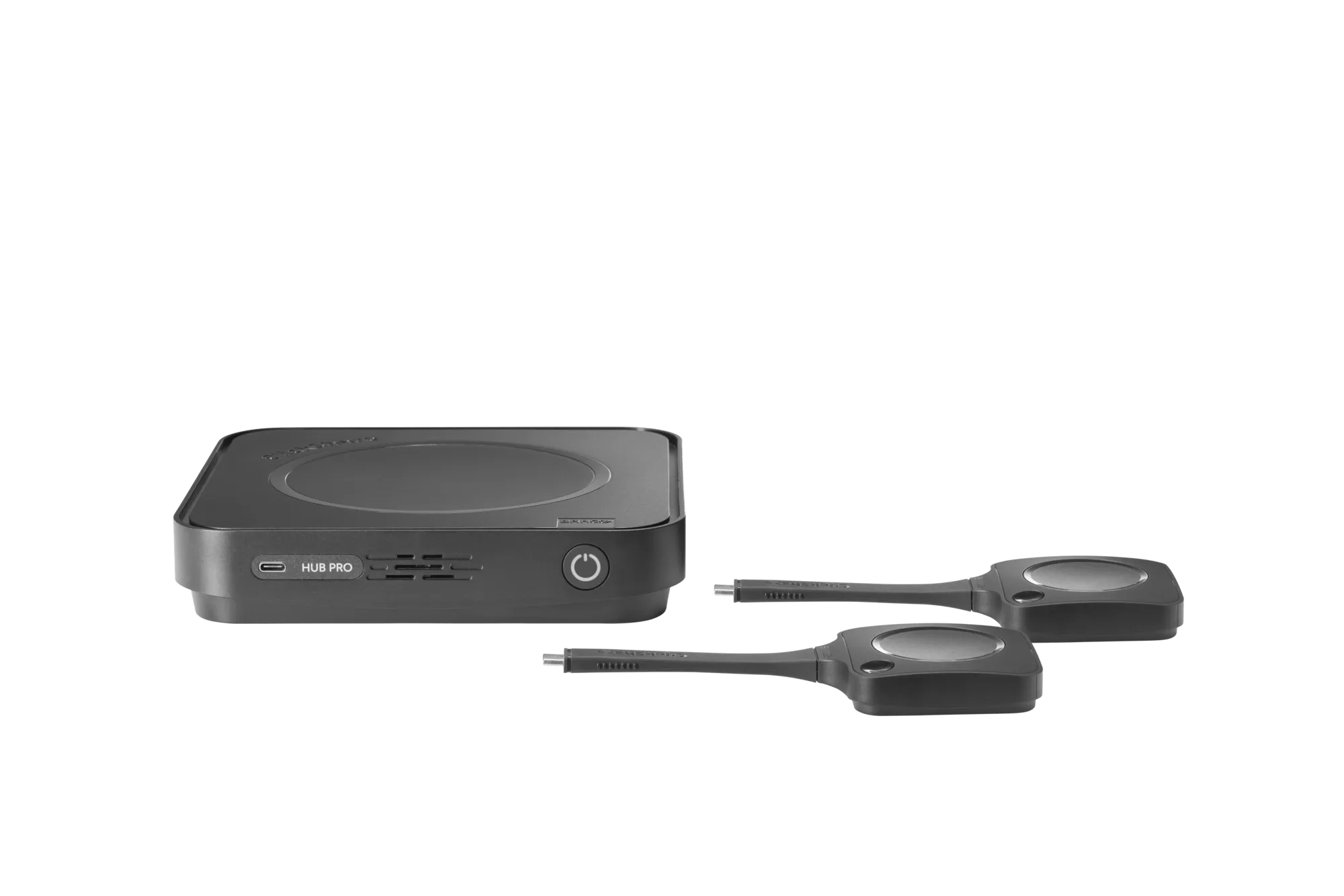
Dual-Display Room System
ClickShare Hub Pro
Run Teams meetings from the room, with two displays for people and shared content. Includes two ClickShare Buttons for laptop content sharing.
Some rooms run meetings from a dedicated system. Others need to work with whoever brings a laptop. We help you choose the right ClickShare setup, from Hub Pro and Hub Core to CX-50 Gen 2 and CX-20.
Discuss Your ProjectExplore the Product Range ↓ClickShare Hub runs a dedicated Teams room. ClickShare CX connects a laptop meeting to the room’s camera and audio. Start with the way your team wants to meet.
Specify the camera, audio, Control Panel and Teams Rooms licence with the Hub. The complete bundle determines compatibility and certification.
Run Teams meetings from the room, with two displays for people and shared content. Includes two ClickShare Buttons for laptop content sharing.
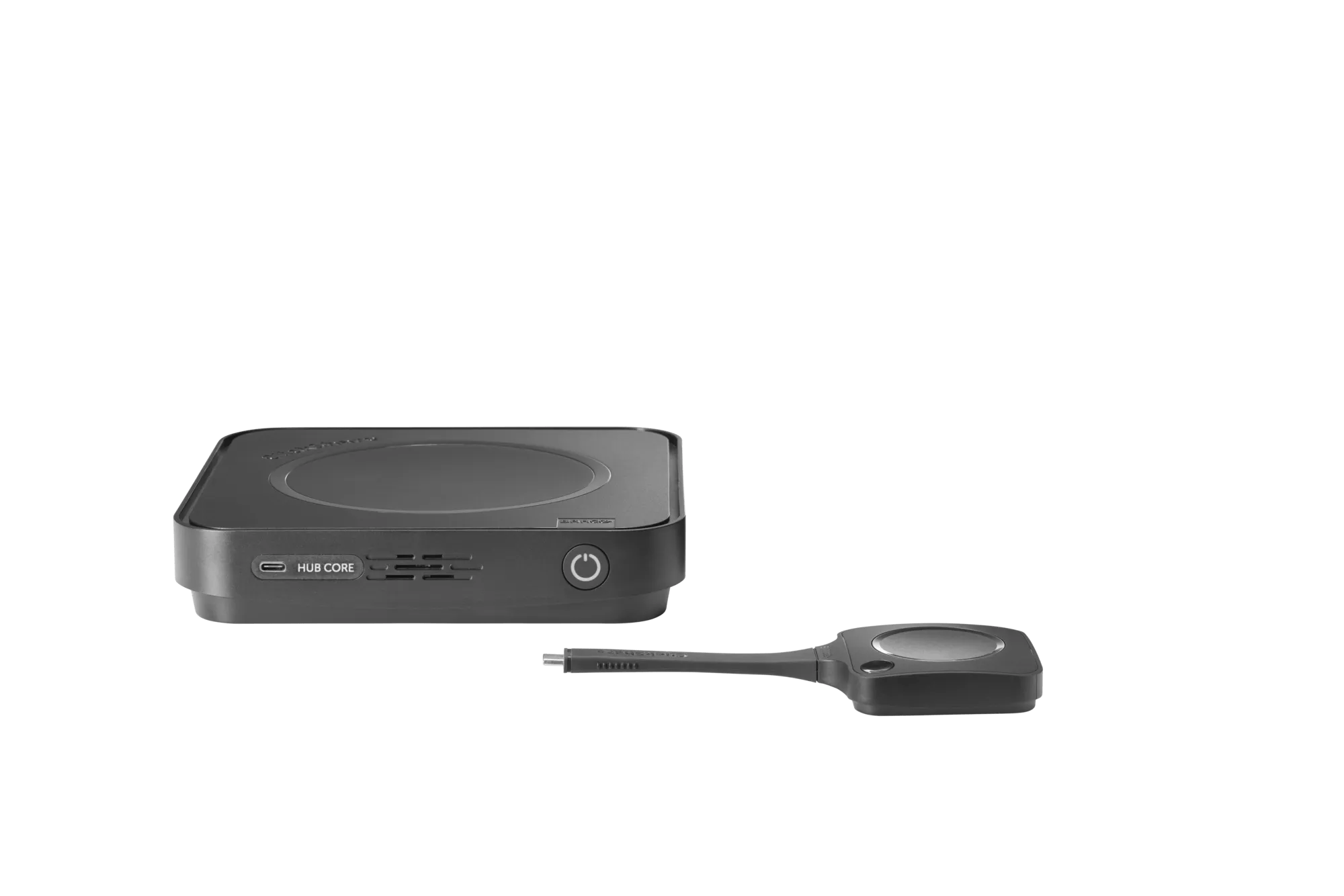
A Teams Rooms system for a single-display room. Includes one ClickShare Button for sharing content from a laptop.
Use the meeting app on your laptop with compatible room cameras, microphones and speakers.
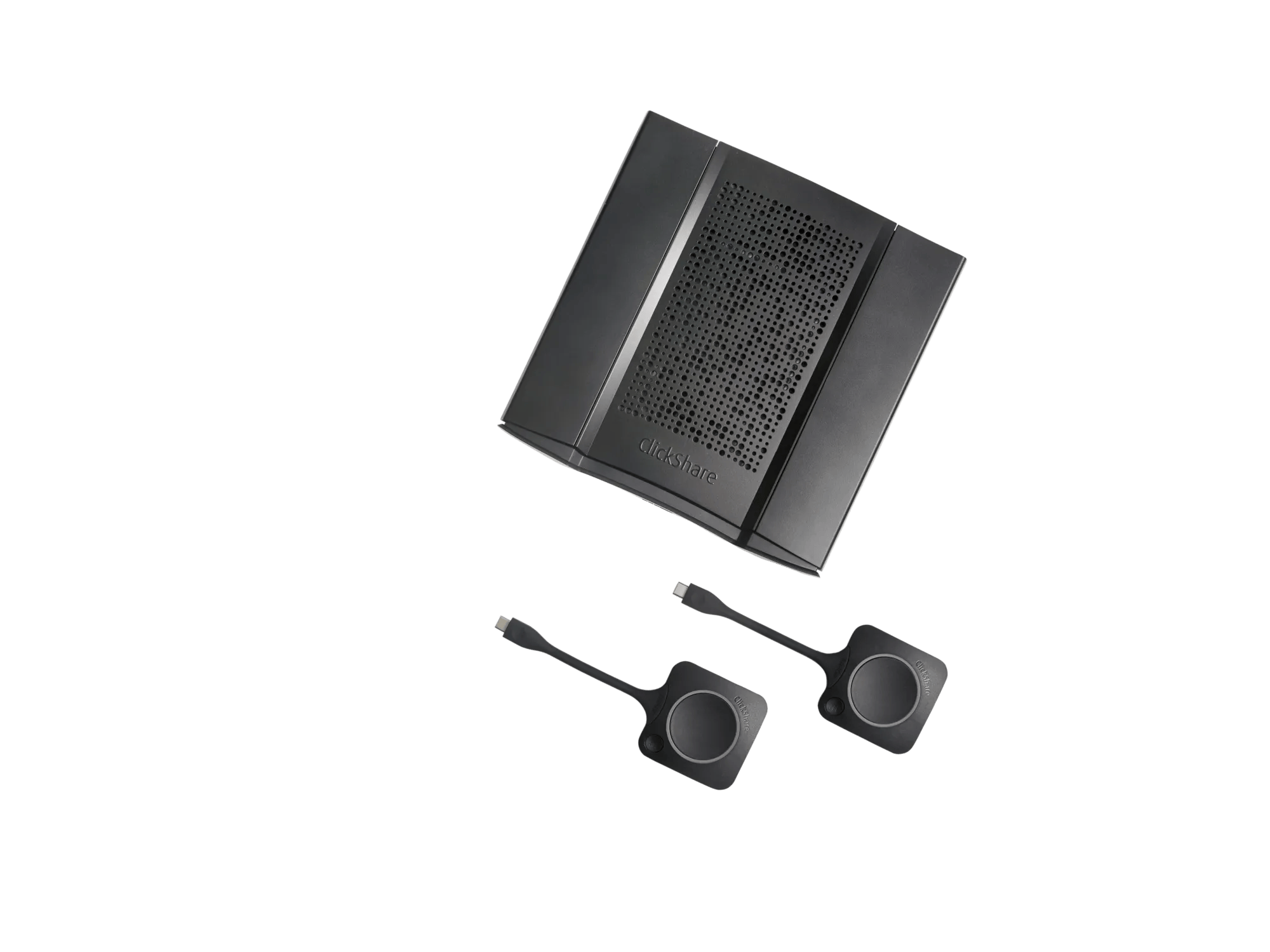
Wireless conferencing for boardrooms and larger spaces, with support for two displays and a wired connection when needed.
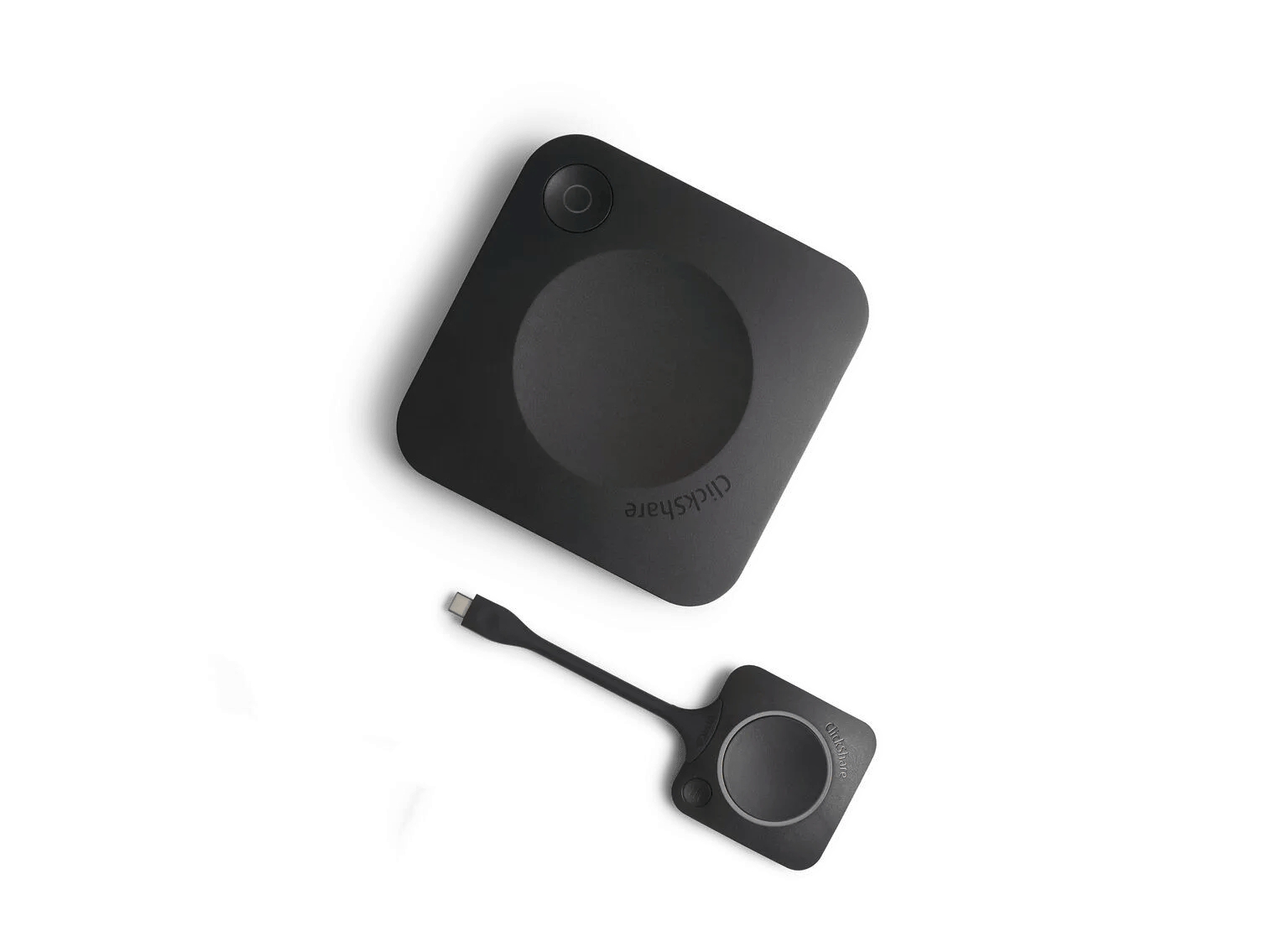
For small rooms where people run meetings from their own laptops. A ClickShare Button connects them wirelessly to compatible room cameras and audio.
Share the camera, audio and displays you already have, or send us the room plan. We will check the right ClickShare model and the equipment needed to complete it.