Microsoft Teams Rooms · Singapore

Microsoft Teams Rooms
for Your Office

Give staff a room where they can join a Teams meeting, share content and hear everyone at the table. We help you select room equipment, check licensing and plan installation with your IT team.

Discuss Your Project
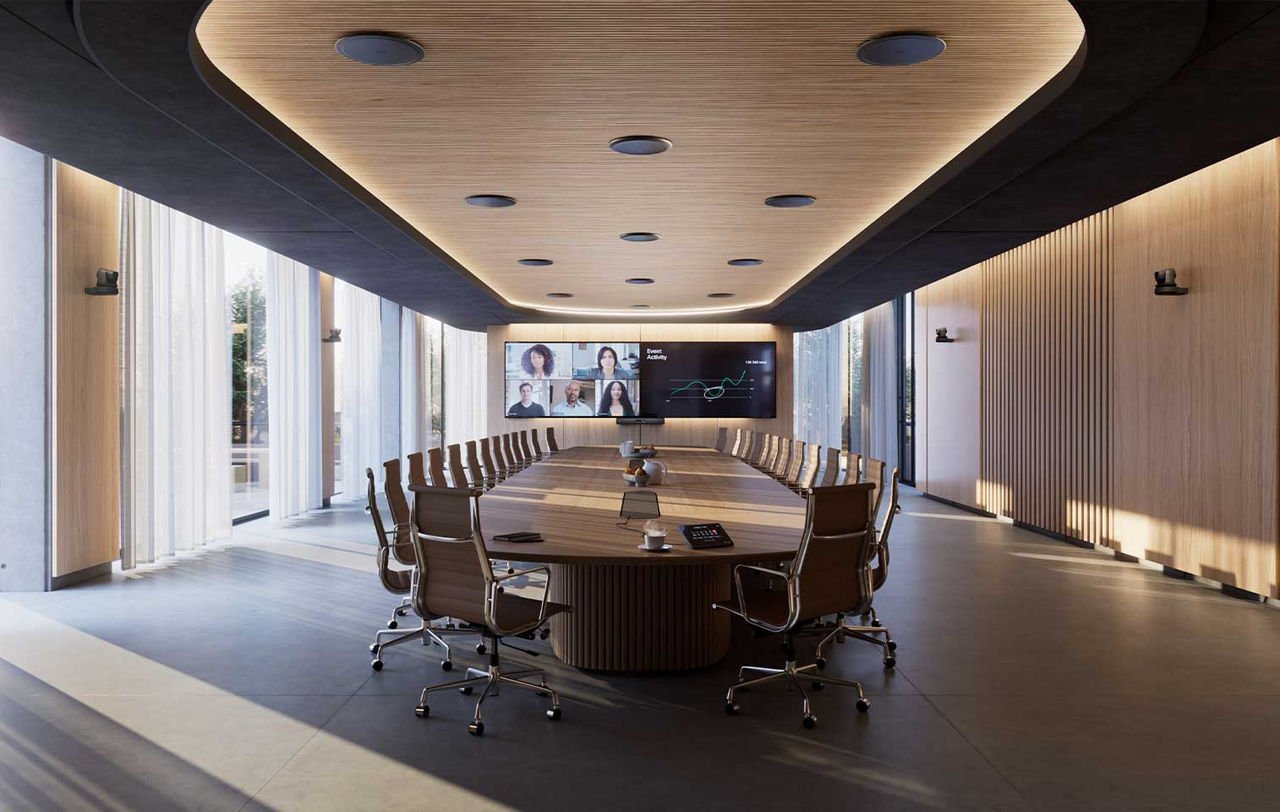
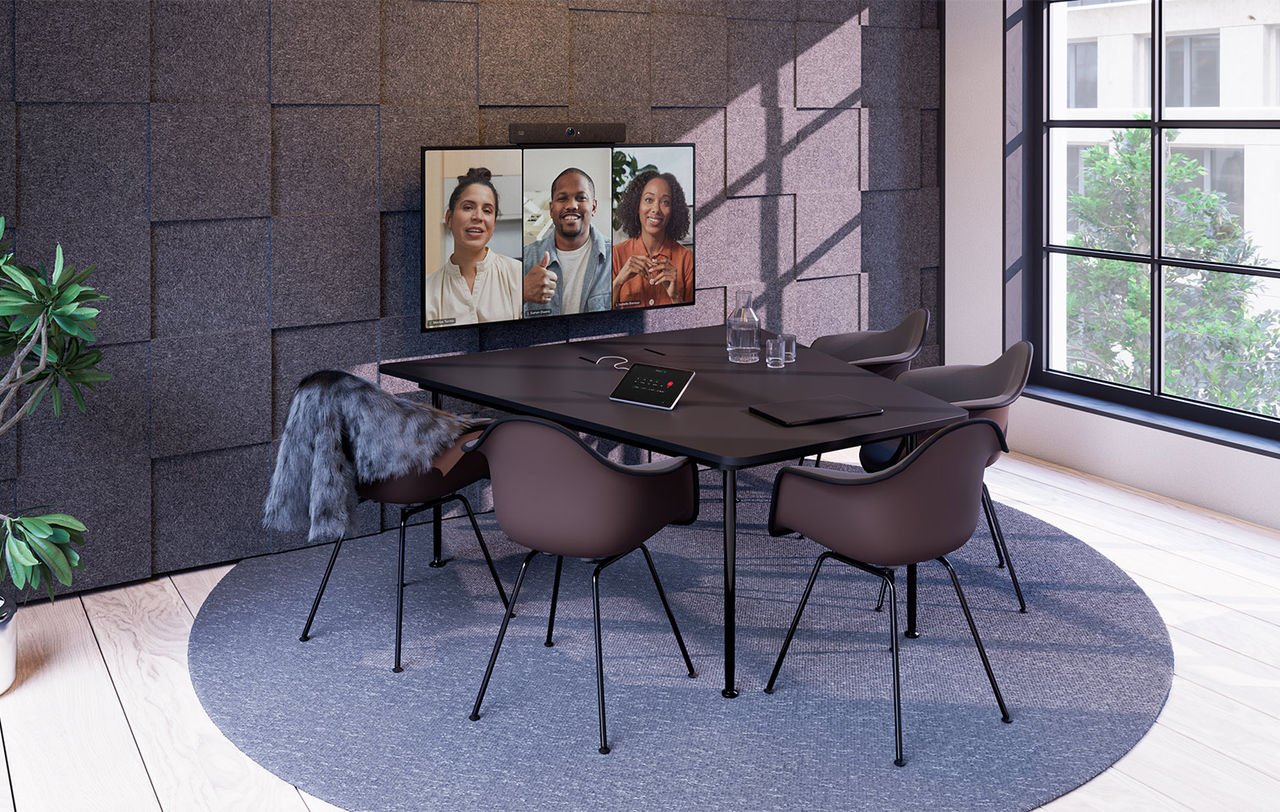
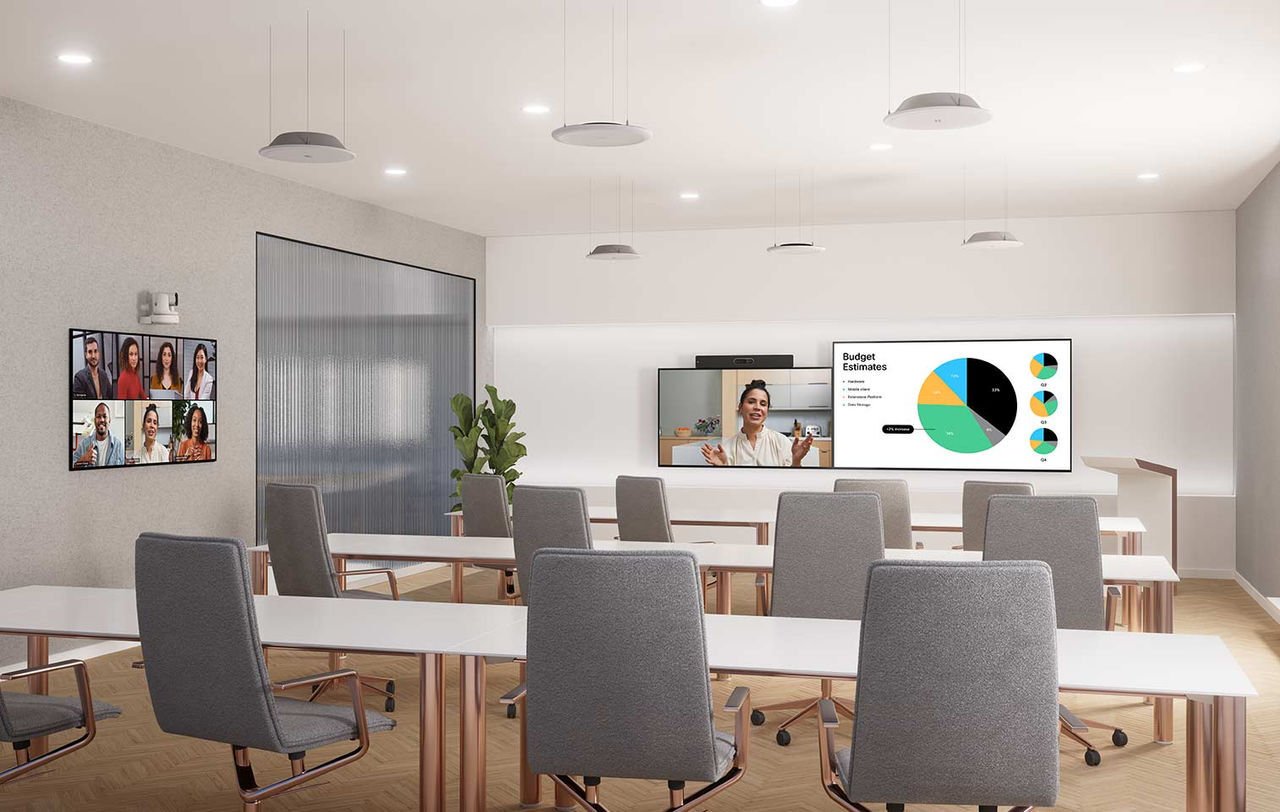
Microsoft Teams Rooms design concept
Meeting Rooms · Boardrooms · Training Spaces↓
Planning Your Project

What Your Room Needs

01

Room Layout

Check who needs to be on camera, how far the seats are from the screen and where microphones can be installed.

02

Devices and Licences

Confirm the exact Microsoft Teams Rooms hardware, software and licence requirements with IT before equipment is ordered.

03

Installation and Handover

Configure the system, test calls and content sharing, and show staff how to use the room.

Room Types

Plan for the Room
You Have

Working With LIONWARE

How Your Project
Comes Together

We work with your IT, facilities and project teams to agree the requirements, prepare the site and get the equipment installed and tested.

Explore Our Services
01

Review the Requirements

Show us the space, explain how it is used and tell us what needs to change.

02

Agree the Proposal

Review the equipment, installation work, responsibilities and schedule before proceeding.

03

Install and Handover

Configure and test the system, explain the controls and confirm the support arrangements.

Your Next Project

Tell Us How
We Can Help

You don’t need a finished brief. Tell us where the project is, what you want to improve and when you need it ready.

Speak With Us+65 6980 8548

Monday–Friday, 9 AM–6 PM

Meet Us

298 Tiong Bahru Road
#05-01 Central Plaza, Singapore 168730

Get Directions

Let’s Discuss Microsoft Teams Rooms

Fields marked * are required.

We will use these details to respond to your project enquiry.

Loading the enquiry form… If it does not become available, please call +65 6980 8548.