Focus and Huddle Rooms
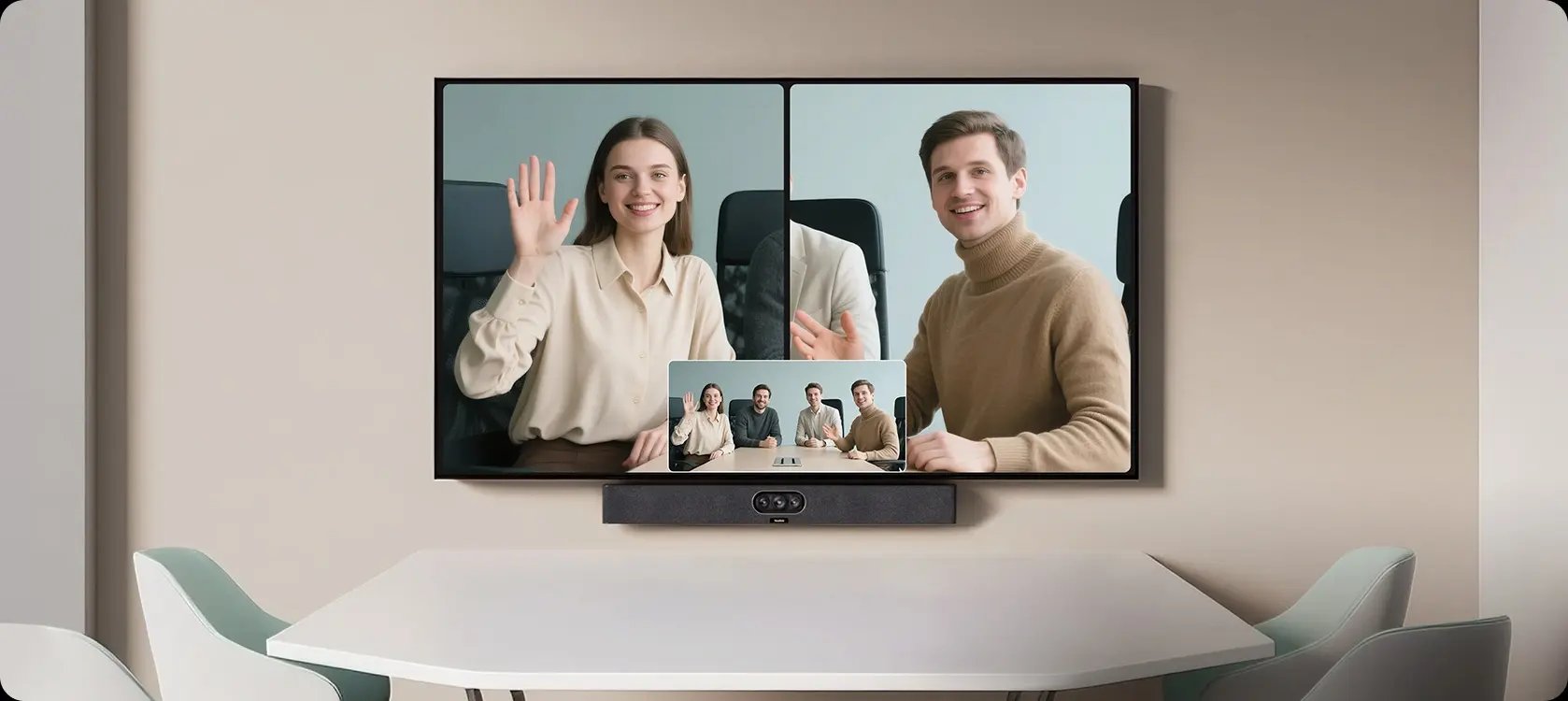
MeetingBar A25
A compact video bar for focus and huddle rooms, with a wide camera view for people seated close to the screen.
Choose a video bar, interactive display or separate camera system for the way your team meets. We plan the Yealink equipment, platform settings and room installation with your IT team.
Discuss Your ProjectExplore the Product Range ↓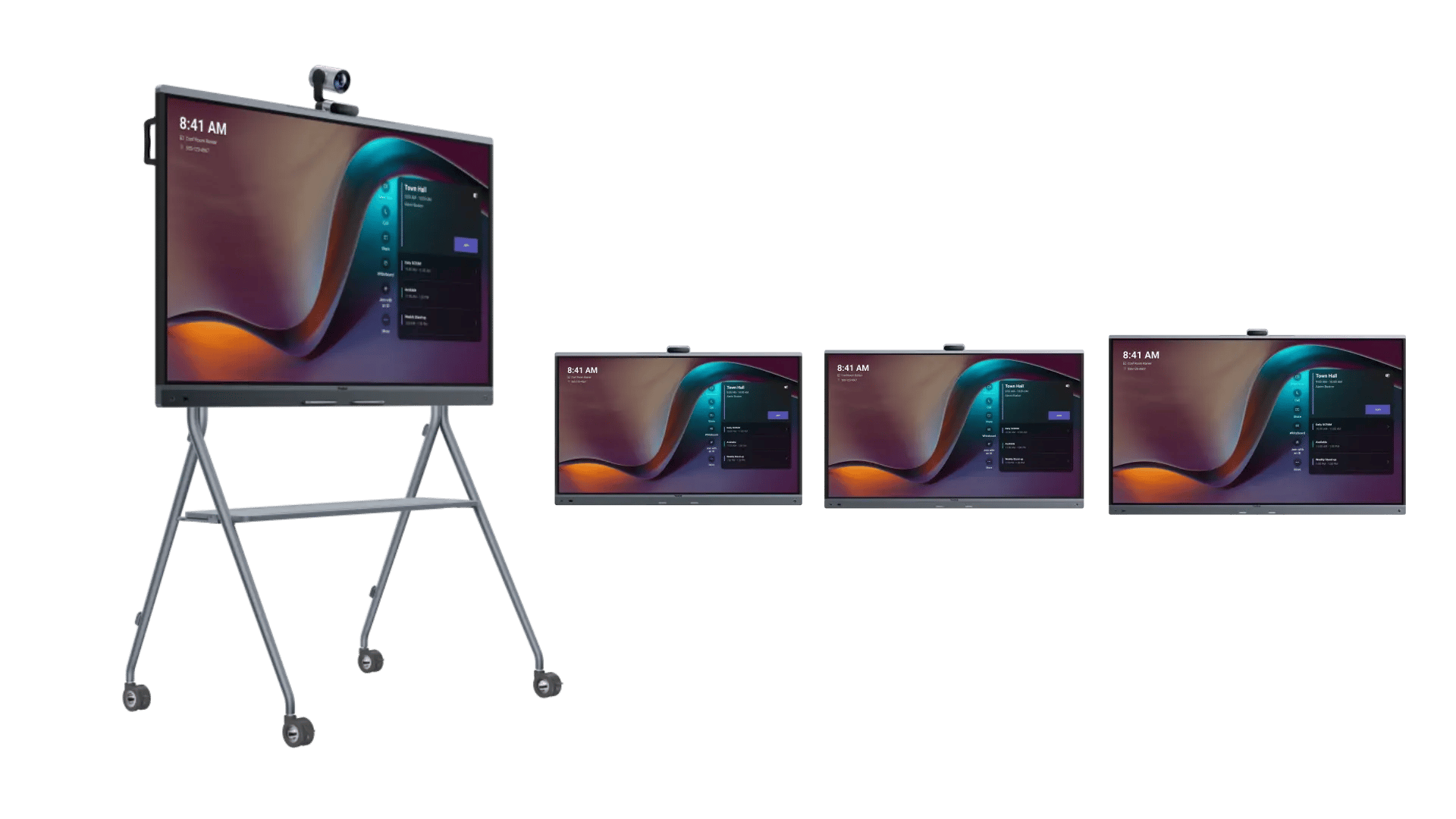
Use room size and the way people meet to narrow the choice. We help you compare video bars, meeting displays and cameras without buying equipment the room does not need.
Choose a video bar around the seating layout and microphone coverage. Controllers and platform licences depend on the selected package.
A compact video bar for focus and huddle rooms, with a wide camera view for people seated close to the screen.
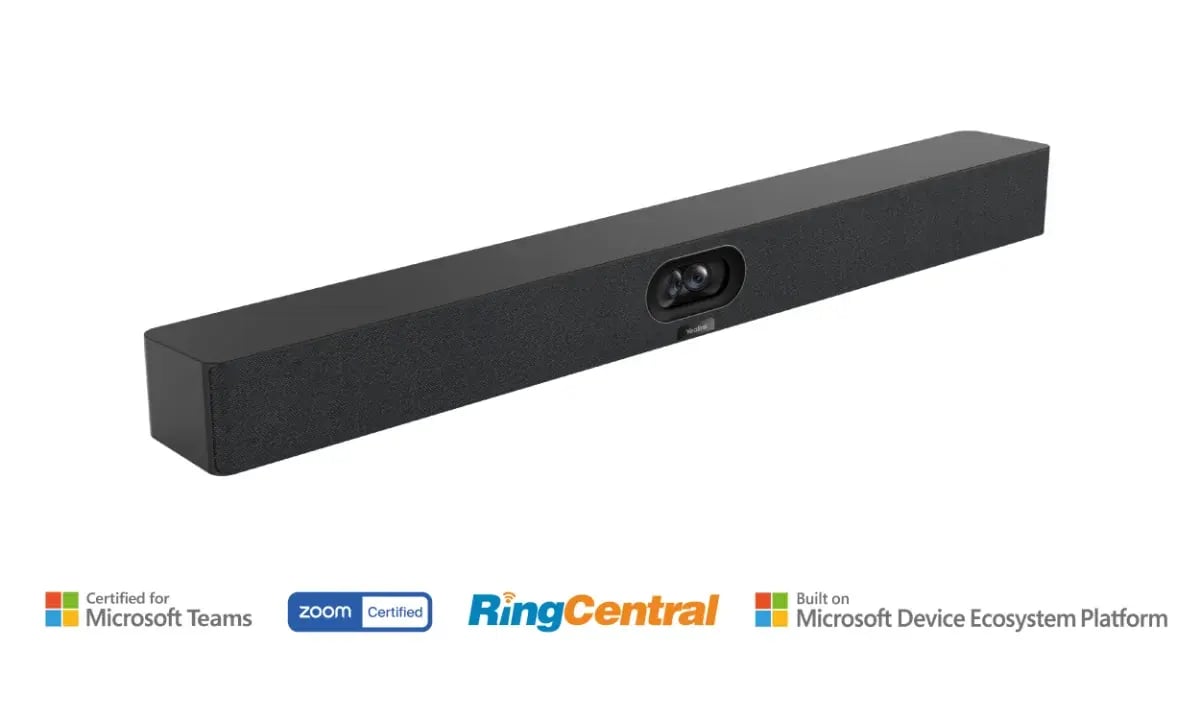
A video bar with built-in cameras, microphones and speakers for small and medium meeting rooms.
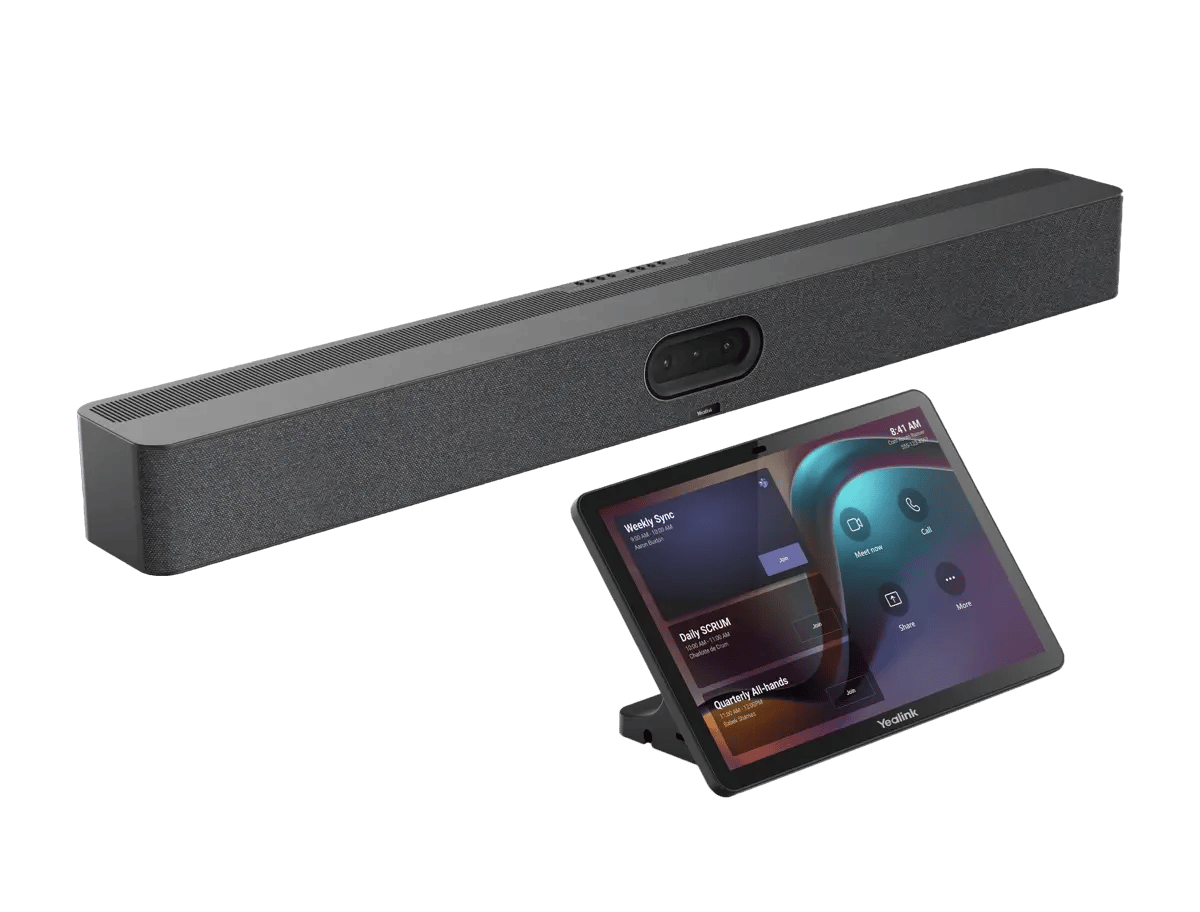
A video bar for medium and large rooms, with three cameras and options to extend microphone coverage.
Add the screen, camera or booking panel your room needs. These products have different roles and are not interchangeable.
A meeting display with cameras, microphones, speakers and whiteboarding built in. Choose 65, 75 or 86 inches to suit the room.
Stand and PTZ camera shown are optional.
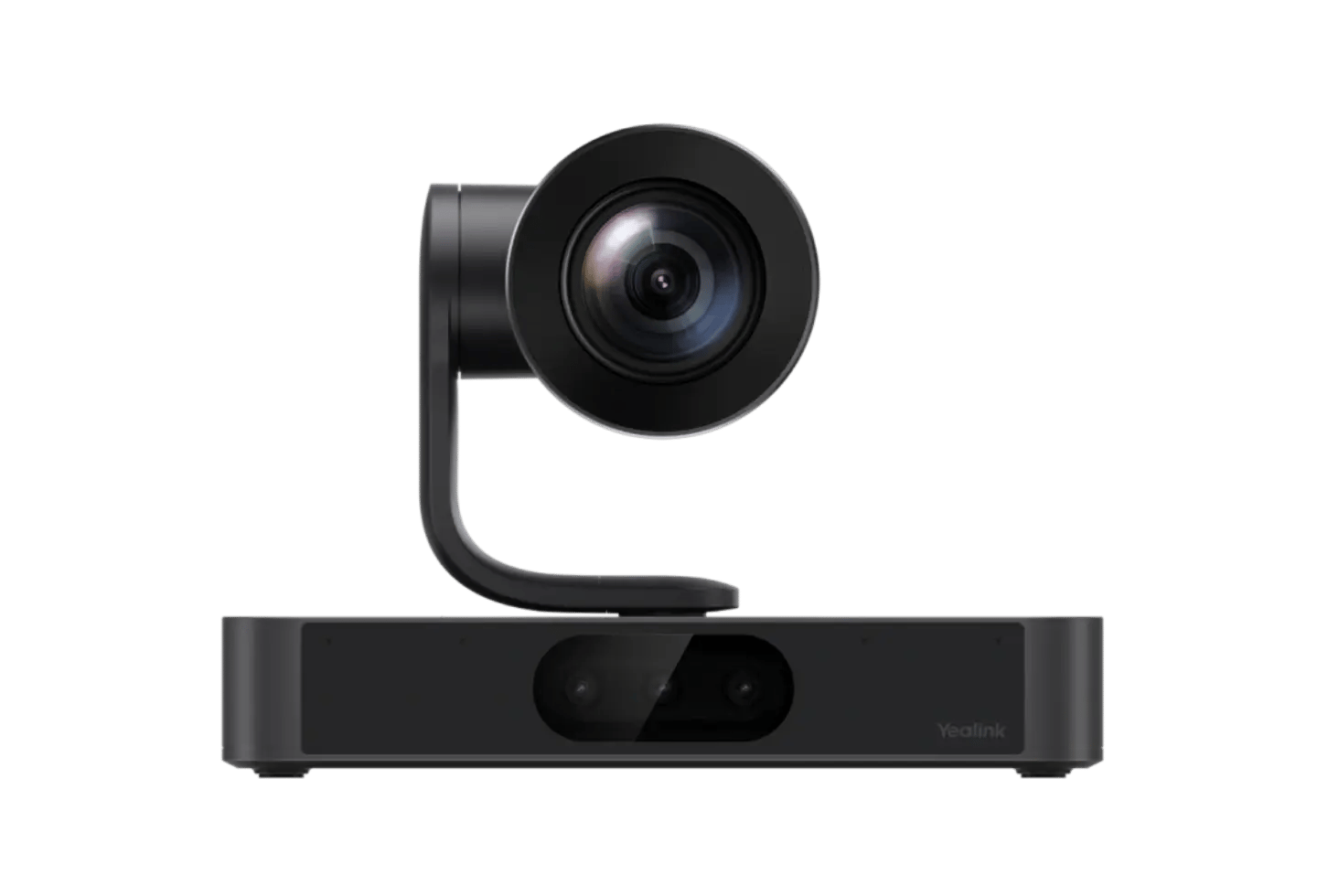
A multi-camera PTZ unit for larger rooms, with optical zoom and presenter tracking for more complex layouts.
Specify the room computer, microphones and speakers separately.
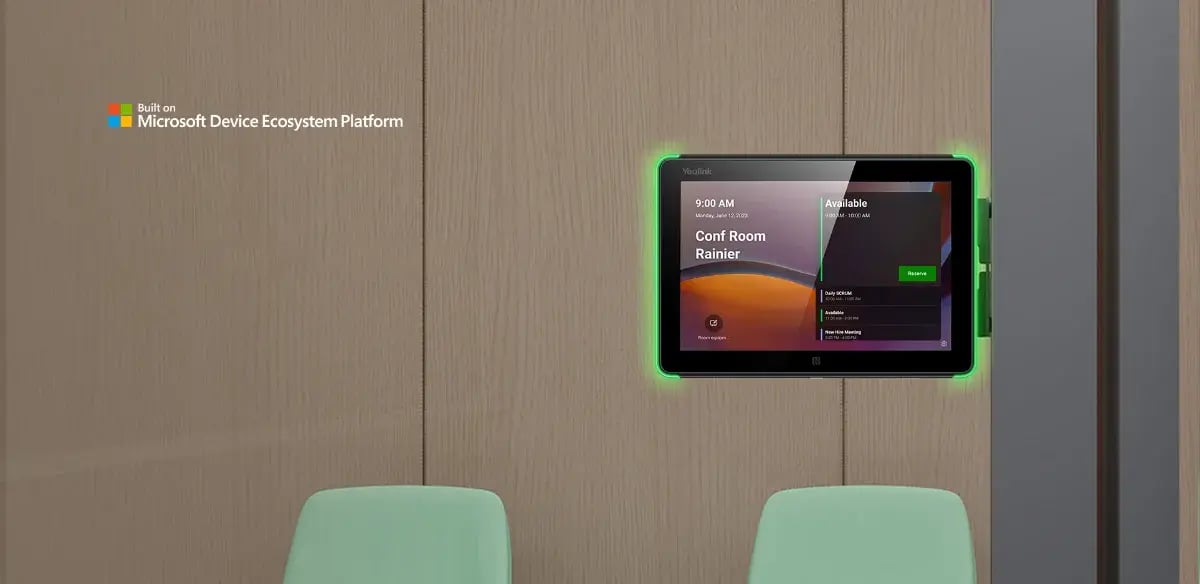
A panel outside the meeting room that shows availability and lets people check or reserve a space.
Tell us which platform you use, how many rooms need work and what equipment you want to keep. We will check the models, connections and installation requirements.